Video production and editing
@corbinsylk
Slash-command-per-effect system in Claude (e.g. /shutter-strike, /screen-push, /over-the-shoulder-zoom, /liquid-glass-graph), 20 premium video effects each made with one prompt, sold via "STACK" comment.
1.3M plays · 21 Oct 2026
What they said
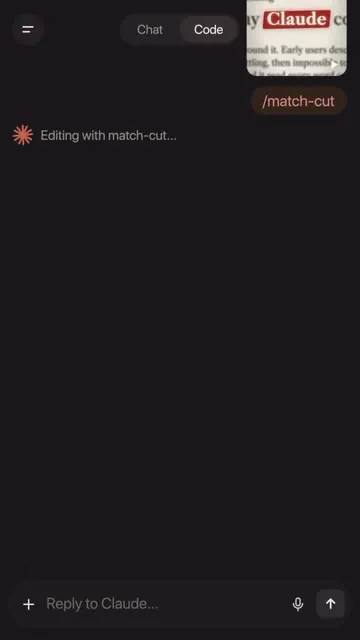
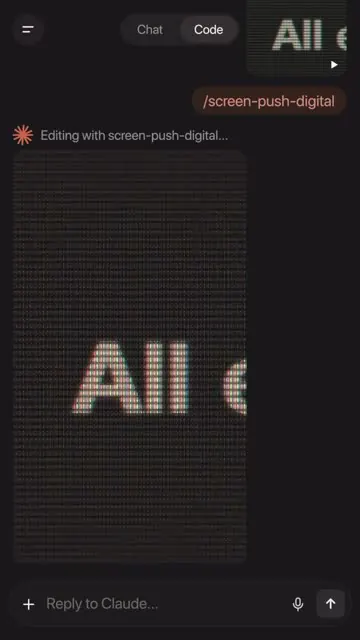
- Shows Claude app (Code tab) commands: /match-cut, /shutter-strike ("Photo cards snap in, then strike through"), /screen-push-digital, /liquid-glass-graph (green line graph at 72%), /screen-push, /over-the-shoulder-zoom, and /stack ("Every effect, one prompt each").
- Each effect renders onto a talking-head clip.
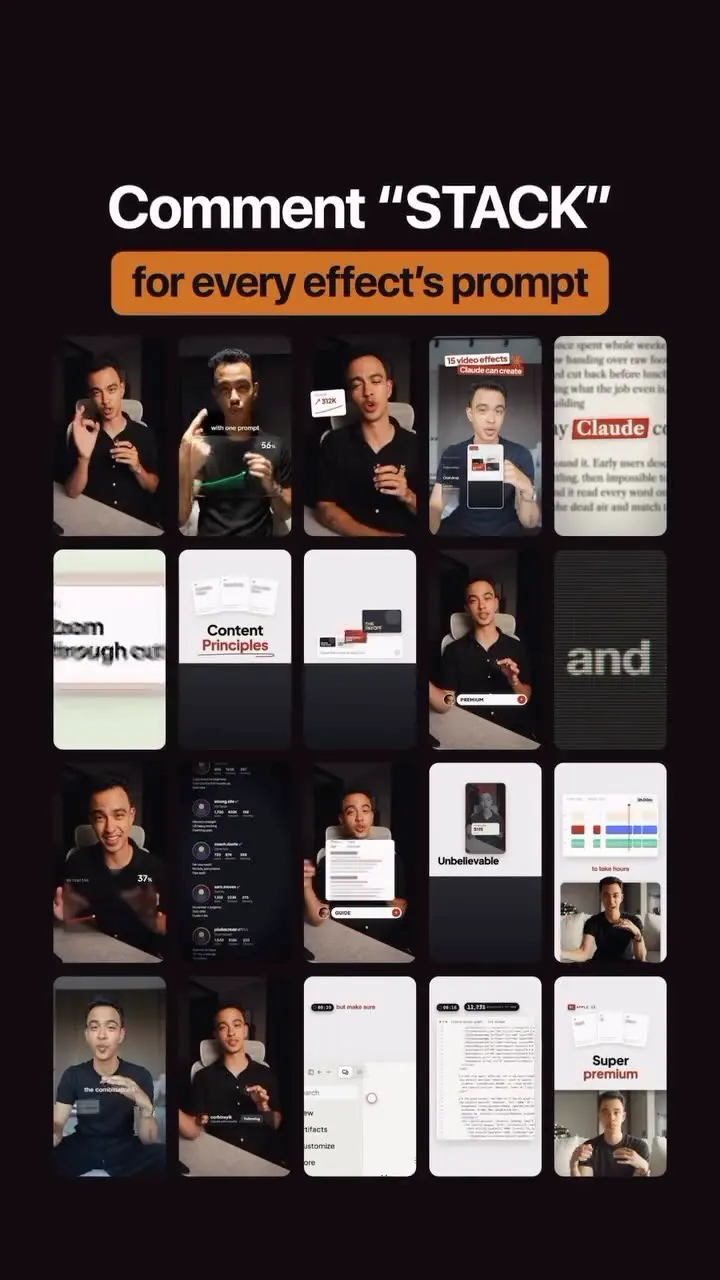
- "Effect of the Day: 20 effects, made in Claude" grid of results; "Comment STACK for every effect's prompt".
- Caption: "Adapt or die. Claude is taking over video editing..."; follow to learn to harness Claude for premium content with a true brand signature.
Try this
- Creators and editors using AI coding assistants: Turn each repeatable video effect into one saved command, such as a match cut, a shutter strike or a screen push. One prompt per effect keeps results consistent.
- Build your own pack: Write the prompt, test it on one clip, refine it, and save it as a named skill that renders onto any talking-head video.
- Brands: Give every effect your brand colours and typefaces so the set has a recognisable signature.
- Agencies and freelancers: Package a pack of effects for clients' reels.
- Format: A command-to-result montage shows the effect clearly in a few seconds.
- Lead generation: Gate the prompts behind a comment keyword, and check the effects work before you share them.
Links
Claude (Code tab), custom slash skills, no URLs.
Watch the original
Watch the full reel on Instagram by @corbinsylk. Follow them for more.
Video, voice and ideas belong to @corbinsylk. Shown here as a short preview with our own summary, for commentary and education. Want it removed? Tell us.
00:00
/
00:00

More Video production and editing

Liked this one? Get the next
When I find a reel worth acting on, you get the short version: what it says and what to do. Free, rare, one click to leave.
Rather have it done for you? Work with Tanish