Video production and editing
@justyn.ai
Claude edits the whole video from raw footage via one-sentence instructions ("make it more aesthetic", "make it moody", "bigger captions") and shows a storyboard for approval before rendering, so no CapCut or Edits app is needed; the how-to is gated behind commenting "EDIT".
2.3M plays · 10 Oct 2026
What they said
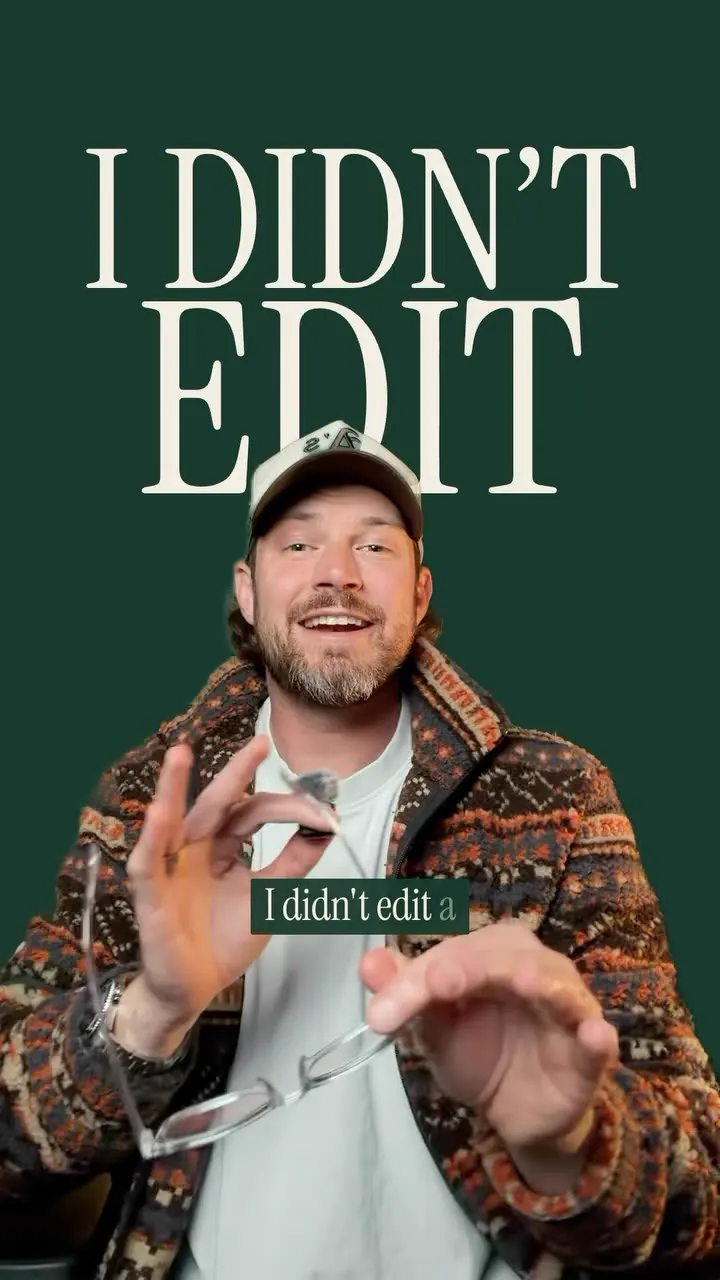
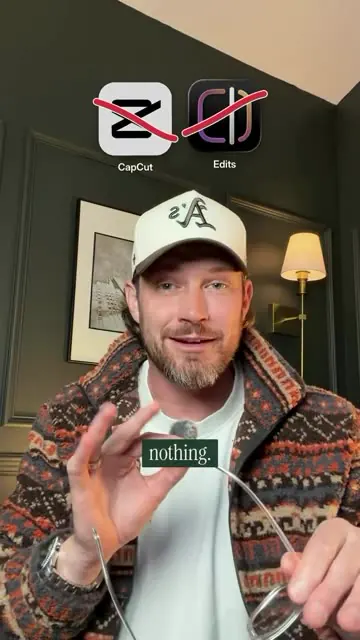
- Claim: the entire video (this reel) was edited by Claude with no editing app; CapCut and Edits app icons shown crossed out.
- Instruction typed into Claude: "I want you to take a pass at editing this."
- "One sentence and the whole video is edited." Example prompt "make it more aesthetic": the video warms up (colour grade), best videos float in (b-roll cards), titles look like a magazine cover (a "CLAUDE" magazine cover with "One sentence. The whole video, edited. No CapCut. No Edits." and "100% Claude edited" sticker). Before/after slider shown at 10s.
- He says he knows nothing about video editing; drops in raw footage with the bad take still in ("BAD TAKE" stamped, "1:16 of raw footage" label), a few minutes later gets the result.
- "Make it moody": colours go dark and the captions come in huge (large serif "HUGE" caption style).
- Differentiator: before rendering, Claude produces a complete storyboard (a "claude-editing / storyboard" view with per-shot rows: time range, shot type like "Talking head, wide", quoted line, hook text, emphasis, score cues e.g. "drop 1 on 'Claude did.'") so he can see what Claude is thinking before it creates the video.
- Changes: just explain what you want ("let's make sure this says 'if you're n...'"), "Tighter cut, bigger captions - that's just one more sentence". Never opens an editing app.
- He recorded a walk-through video of how he does it ("How I edit videos with Claude", step "Read the storyboard") to send via DM.
- Caption: "Editing with AI is getting truly incredible... save you SO much time"; update: if the DM automation fails, link is in bio.
Try this
- Creators and brands: Try an AI assistant that edits from raw footage with one-sentence instructions such as "make it more aesthetic", "make it moody" or "bigger captions". The creator says he did not open any editing app.
- Anyone editing with AI: Require a storyboard before rendering. The reel shows per-shot rows with time range, shot type, quoted line, hook text and music cues, so you can approve the plan first.
- Brands with raw user footage: Use it to cut bad takes, apply one caption style and edit in bulk.
- Agencies: Offer AI-assisted editing as a margin lever, and use the storyboard step as a client approval gate.
- Creators: Handle demand spikes from comment-gated guides. Have a link-in-bio fallback ready in case the DM automation is overloaded.
Links
- Claude (Claude Code style, steps shown as a chat box "To Claude"): the editor agent.
- CapCut and Edits (Instagram) - shown crossed out as no longer needed.
- Tool-internal "claude-editing / storyboard" page (own harness/skill; not named publicly).
- https://justyn.ai/waitlist (creator's pinned comment: link to the waitlist, also in bio).
- Referenced screen cutaways of other Claude/Codex reels on Instagram (12s) as social proof that "lots of people are doing this".
Watch the original
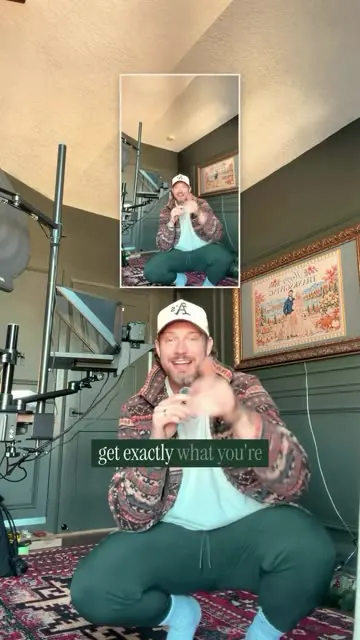
Watch the full reel on Instagram by @justyn.ai. Follow them for more.
Video, voice and ideas belong to @justyn.ai. Shown here as a short preview with our own summary, for commentary and education. Want it removed? Tell us.
00:00
/
00:00
More Video production and editing
Liked this one? Get the next
When I find a reel worth acting on, you get the short version: what it says and what to do. Free, rare, one click to leave.
Rather have it done for you? Work with Tanish