Video production and editing
@vibha.in.progress
One talking-head clip is re-edited into 7 different styles (glass widgets, orbit, spotlight, checklist, timeline, etc.) with a single "/effects" command each in Claude Code, distributed as a free skill/repo via comment keyword "Claude".
2.3M plays · 25 Oct 2026
What they said
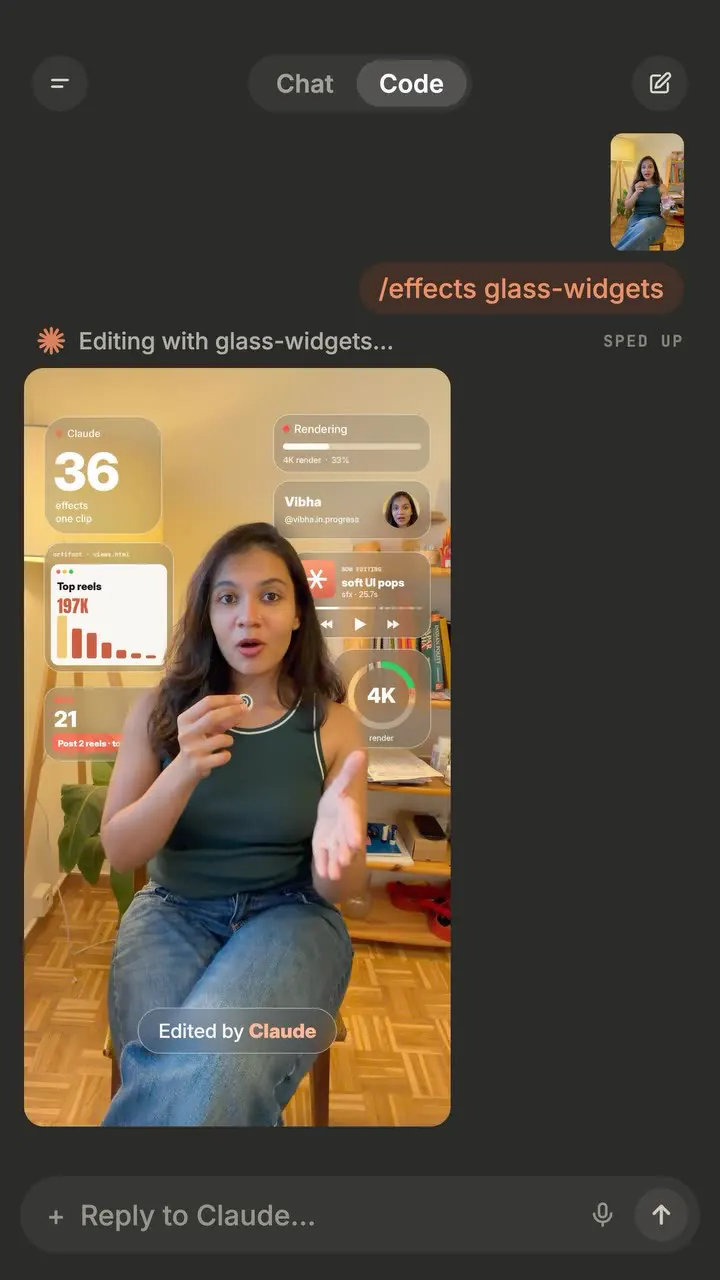
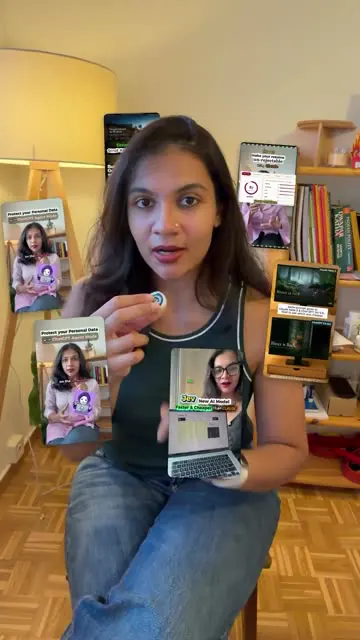
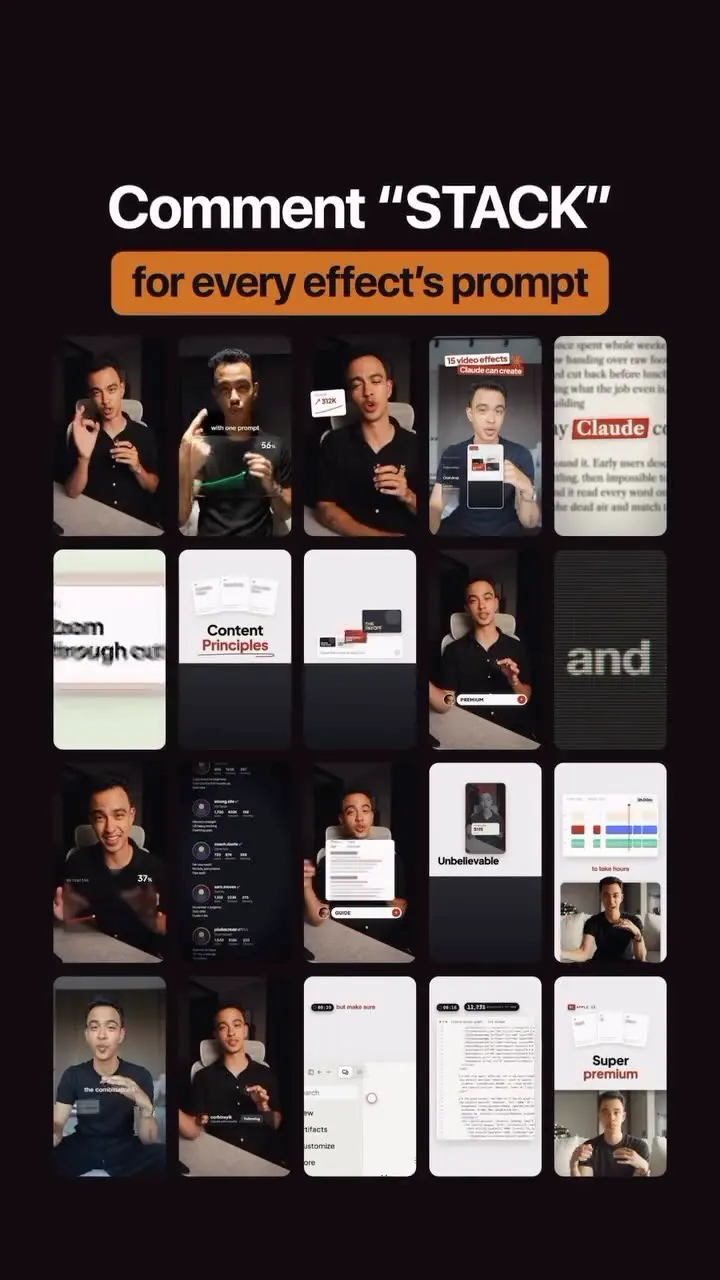
- Sequence in frames: /effects glass-widgets (UI widgets overlay: "36 effects, one clip", Rendering 4K, 197K top reels, 21 posts); /effects documentary (B&W with pink glow); /effects orbit ("your reels circle your head"); spotlight; kallaway-split ("My top 7 reels" split layout); "CLAUDIT" neon text; /effects checklist (halftone/grid look); /effects typed in list showing "36 video effects for your clips"; "Claude renders it" render-studio UI with timeline, 4K, words synced, 69%; end card "Comment 'claude' for all 36 Claude effects" with a 5x4 grid of effect thumbnails (+17 more effects).
- Caption: One clip, 7 edits, each a single /effects command in Claude Code; no editing app, no timeline. Install:
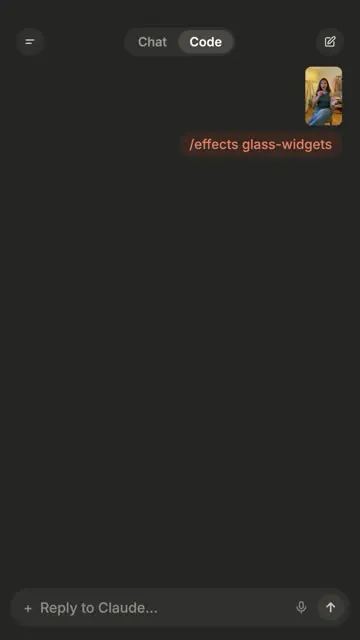
git clone https://github.com/Vibha-Ramprakash/claude-video-effects ~/.claude/skills/effects, drop video into Claude, type /effects glass-widgets (app screens recreated, loader sped up). "Free starter versions, you approve every frame." Documentary, chart and render-studio looks are her full style "coming v soon in the editing studio". Hashtags and SEO text: tracks your face and puts text and reels behind your head; effects named glass widgets, orbit, spotlight, checklist, editing timeline, glitter spotlight, news match-cut, iPhone toggles. - Creator comments: count grew from 36 (video) / 7 (caption) to "actually 42 now"; "repo is linked to my profile, tap 'links'"; "more effects and the full AI video editing studio coming this week".
Try this
- Creators and editors: Re-edit one talking-head clip into several styles, such as glass widgets, orbit, spotlight and checklist, each from a single command in an AI coding assistant. This is a cheap way to make variants without a timeline editor.
- Before installing anything: Read the repo's code first. Skills and scripts run with your permissions, so try them in an isolated folder.
- Review the output: Check every frame before posting. Free starter effects often need small fixes.
- Brands: Use a "one clip, many edits" reel to show before and after versions of an asset.
- Agencies: Copy the funnel. One demo reel, a comment keyword, an automatic DM with a repo or resource, and a teaser for a bigger paid product.
Links
- Claude Code / Claude mobile app (Code tab) with a custom skill at ~/.claude/skills/effects; repo github.com/Vibha-Ramprakash/claude-video-effects (from caption; not visited or run).
- Effects named: glass-widgets, orbit, spotlight, lineup, shortcut-rain, checklist, timeline, comment-box, free-collage, cover-star, headline-wall, phone-fan, rabbit-hole, profile-wall, notes, the-bill, split-headline, kallaway-split, etc. (read from end-card thumbnails, small text).
- Upcoming paid/other: "editing studio".
Watch the original
Watch the full reel on Instagram by @vibha.in.progress. Follow them for more.
Video, voice and ideas belong to @vibha.in.progress. Shown here as a short preview with our own summary, for commentary and education. Want it removed? Tell us.
00:00
/
00:00
More Video production and editing
Liked this one? Get the next
When I find a reel worth acting on, you get the short version: what it says and what to do. Free, rare, one click to leave.
Rather have it done for you? Work with Tanish