@chandlerintelligence
A reaction-style walkthrough of a Claude-edited video (by another creator), naming the stack (Claude Code, Remotion, Whisper, FFmpeg, yt-dlp, a person segmentation model) and the key rule: have Claude write a storyboard table before it edits anything.
506k plays · 26 Oct 2026
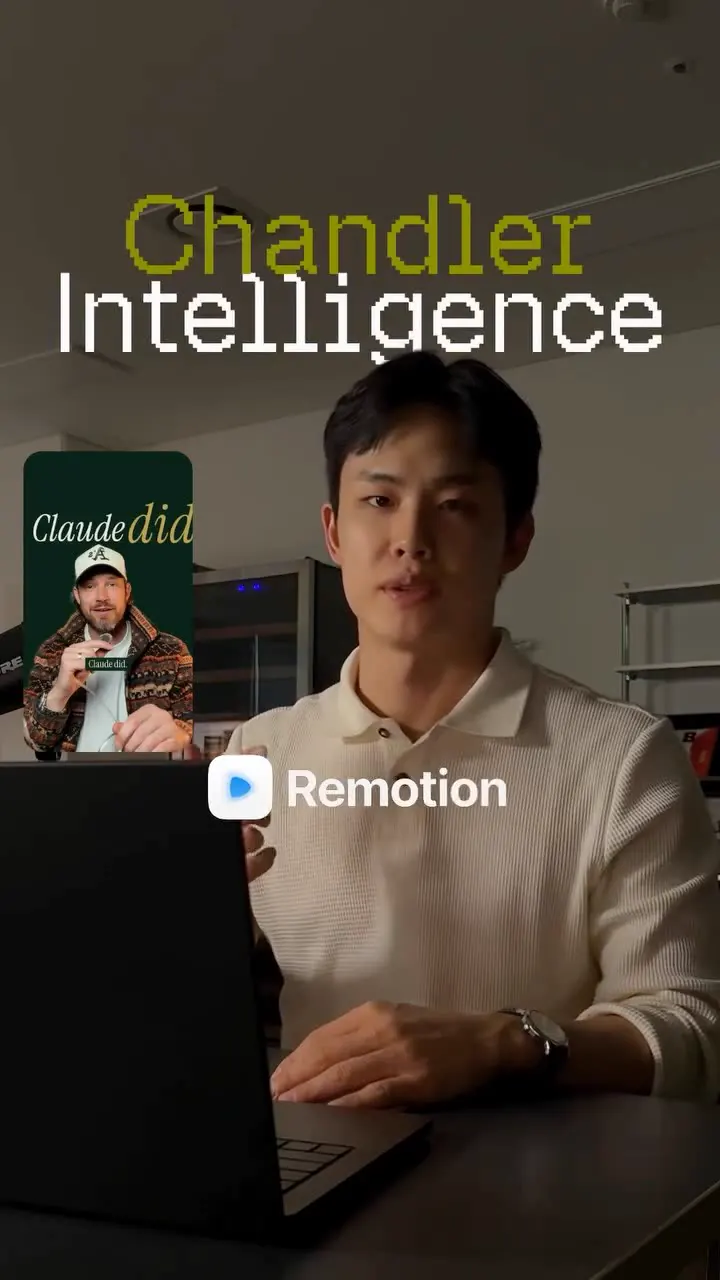
What they said
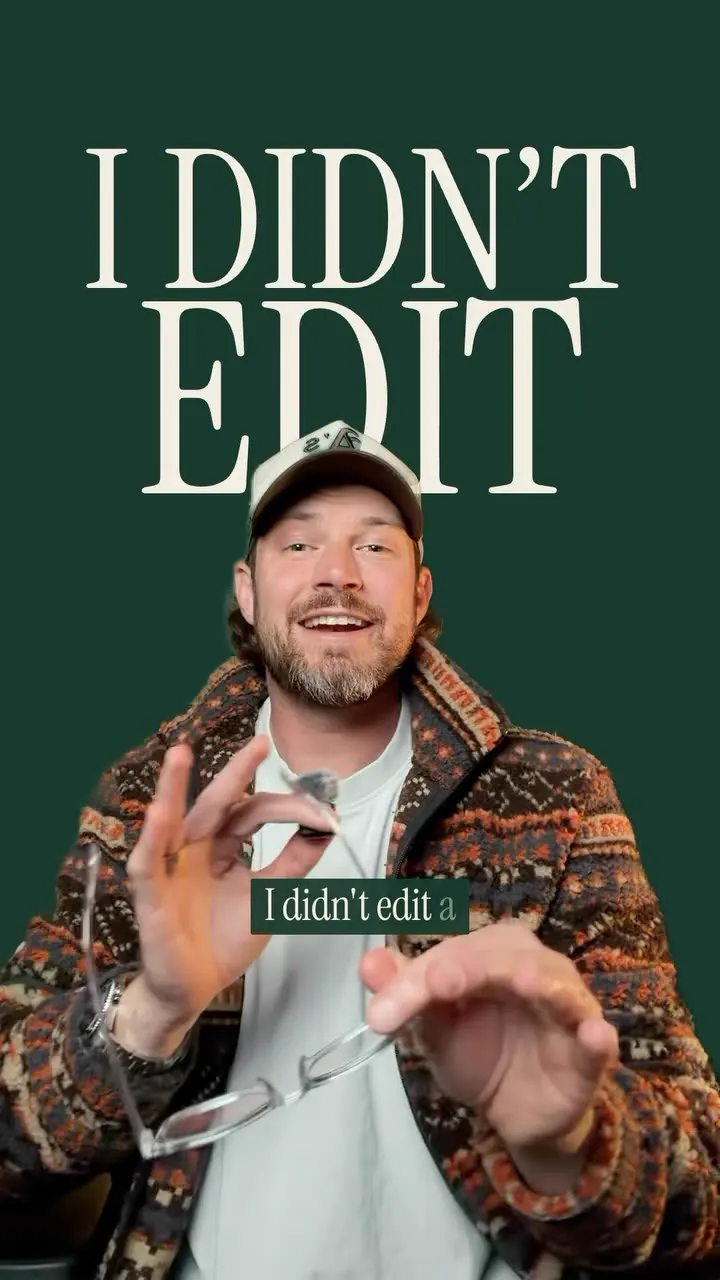
He reacts to a video made by someone else (shown in a small green picture-in-picture, a bearded man in a cap, the "guy selling this for $97") and says he gives the same thing away for free. Techniques, in order of appearance:
- Text behind your head: tell Claude to cut you out with a person segmentation model, then place the words behind you using Remotion. "No CapCut. No Edits app."
- Captions: use Whisper to get the timing of every word, Remotion to put them on screen. Opinion: "I'd lose the green box though. Plain text with shadow looks way cleaner."
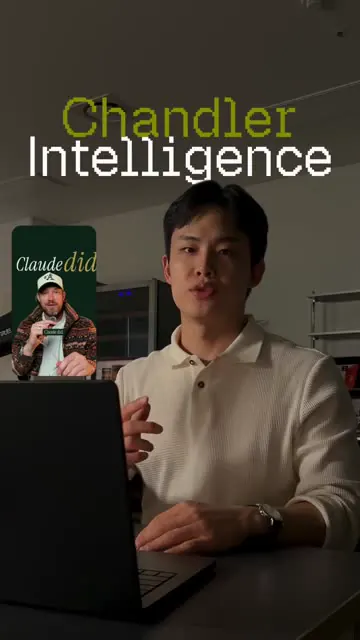
- "One sentence and the whole video is edited." (shown prompt: "I want you to take a pass..." then "make it more aesthetic").
- Ask Claude to draw graphics as vector graphics (drawn illustrations appear).
- Colour change (warm look): FFmpeg for the colour change and Remotion for the slider (before/after reveal) effect.
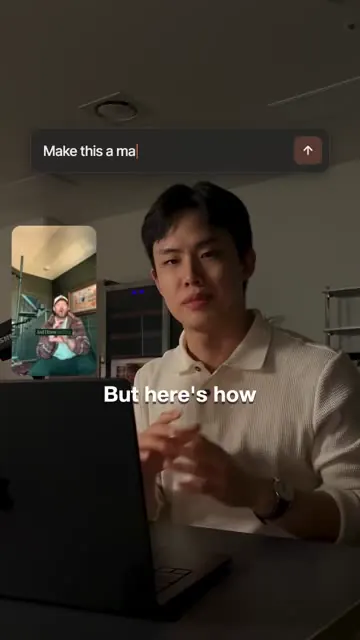
- Magazine-cover titles (shown "CLAUDE" masthead; prompt "Make this a magazine..."): "I don't know what the heck this is supposed to be, but here's how you create it."
- Editor timeline mockup: you could create a mockup of the timeline, "but a real screenshot would look much better".
- Zoom transition: "These zooms are a bit too much in my opinion". Prompt on screen: "On the word 'this', shrink the shot into a picture of itself, 3 levels deep, then push through it with a spin and blur" (the recursive zoom). Personally he would use a whip pan: "looks cleaner" (caption).
- Moody grade: FFmpeg again; curves to pull highlights down and lift blacks, saturation down 15%, then a soft vignette (sliders shown: highlights -35, blacks +12, saturation -15, vignette).
- 3x3 wall of reels: prompt on screen "Shrink my shot into the centre tile of a 3x3 grid, then pop 8 of these reels in around it, one per frame." Use yt-dlp to download the reels (free tool that grabs videos from Instagram, TikTok, YouTube, "pretty much anywhere").
- Critical step: before rendering, have Claude write a storyboard so you and Claude agree on what the video looks like first. His storyboard table (shown, titled "020 - Claude Edited This"): columns for every spoken line, what is on screen, and which tool makes it. "I always do this before I shoot." He fixes the plan, then Claude builds the edit from it (caption).
- Caption adds: person cutout puts text behind head; Remotion turns each prompt into motion graphics (prompt bar, magazine cover, 3x3 wall of reels); FFmpeg handles colour (warm look with slider reveal; moody grade with curves, lower saturation and vignette); whip pan instead of the recursive zoom.
Try this
- Video makers: Ask the AI to write a storyboard table before it edits anything. Use three columns: each spoken line, what is on screen, and which tool makes it. Agree on it, then build the edit from it.
- Video makers: The stack is free and runs locally: Remotion for motion graphics, Whisper for word-level caption timing, FFmpeg for colour grades, and a person segmentation model for text behind your head.
- Video makers: Be specific in prompts, for example a grade with highlights lowered, blacks lifted, saturation down 15 percent and a soft vignette. Keep effects simple, because the reel itself says some zooms are too much.
- Agencies and freelancers: Use this for captioned cutdowns and short-form ad variants at scale. It needs some comfort with code, so test one edit end to end and time it.
- Careful makers: Downloading other people's reels for a video wall can breach terms or copyright.
- Creators: If you react to someone else's work, tag and credit them. Building a hook on a rival's paid offer drew credit disputes.
Links
- Claude Code (AI agent that writes the edit code).
- Remotion (React framework for programmatic video).
- Whisper (word-level timing for captions).
- FFmpeg (colour grade, curves, saturation, vignette).
- A person segmentation model (cutout for text-behind-head).
- yt-dlp (download reels/videos; shown GitHub card "yt-dlp/yt-dlp").
- Skipped: CapCut, Edits app.
- Origin creator referenced: @justyn.ai (named in comments; the $97 product, a Claude / ChatGPT video-creation course per a comment).
- Workflow files delivered by DM with "the exact styling I used".
Watch the original
Watch the full reel on Instagram by @chandlerintelligence. Follow them for more.
Video, voice and ideas belong to @chandlerintelligence. Shown here as a short preview with our own summary, for commentary and education. Want it removed? Tell us.
00:00
/
00:00
More Video production and editing
Liked this one? Get the next
When I find a reel worth acting on, you get the short version: what it says and what to do. Free, rare, one click to leave.
Rather have it done for you? Work with Tanish