Video production and editing
@softgirlnocode
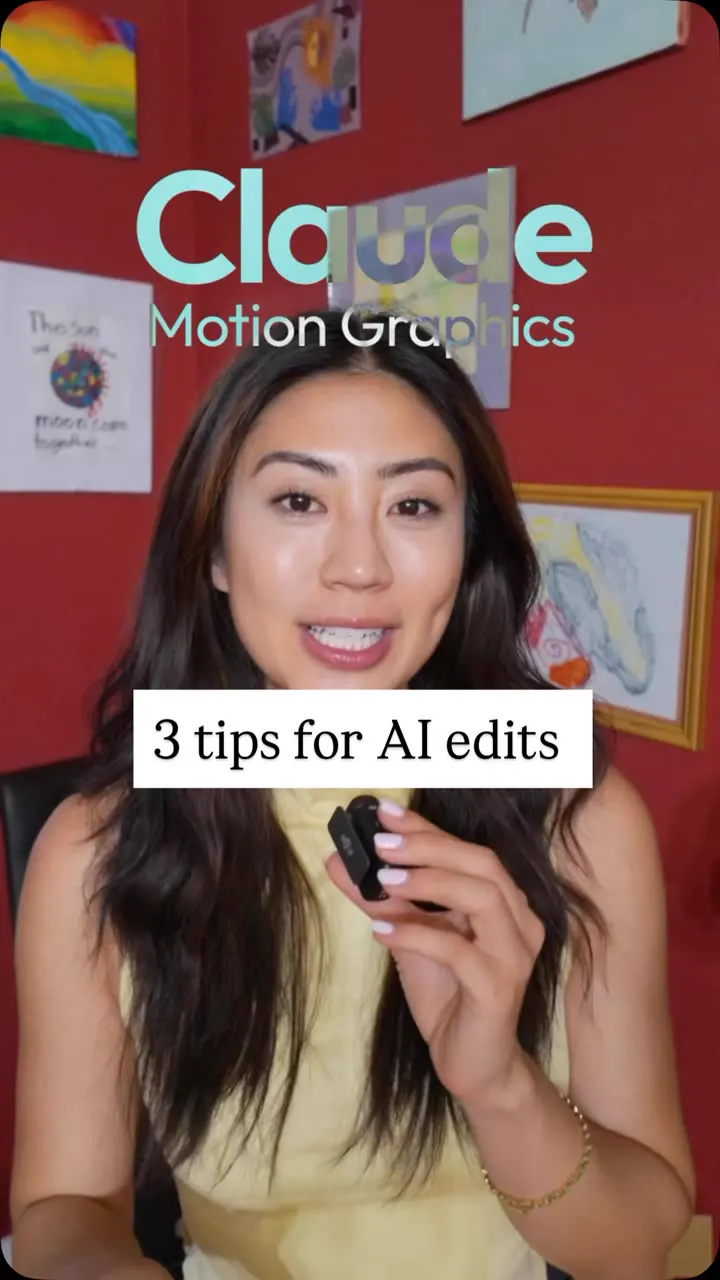
Three ways to make AI-built (Claude) videos look different: paste open-source GitHub effect libraries into Claude, work inside a persistent workspace with your brand and past projects, and generate a matching soundtrack with Suno.
109k plays · 23 Oct 2026
What they said
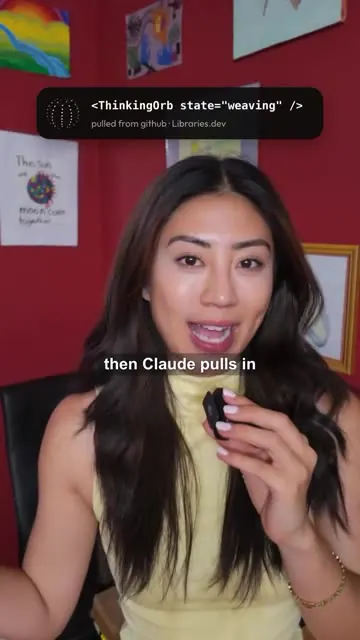
- Open-source projects: do not build every effect from scratch. Paste a GitHub link (shown: github.com/Jakubantalik/Libraries.dev) into Claude, say what to use, and Claude pulls in the real code. Examples shown: a "ThinkingOrb" component (
<ThinkingOrb state="weaving" />pulled from github Libraries.dev), 3D line art, a free mascot library (a grid of cartoon animal icons), a particle/shape animation, a globe. - Context: use a workspace instead of one-off chats, so Claude can see past projects, brand and preferences. Example prompt: "insert my best clips to my profile grid", and Claude produces the profile grid of her reels. Workspace shown as a folder tree: CLAUDE.md, references (brand.md, voice.md), .claude/skills (wall-to-one, profile-scroll, done-wall, live-plot), projects (watermelon, live plot promo, mcp tax).
- Music: sound sets pace and mood. Use Suno (AI music generator) so the agent can create a soundtrack on the fly to fit the video. Shown: Suno prompt "Light upbeat lo-fi pop instrumental for a tech creator reel", track "Pixel Bloom", 118 bpm, a comparison of "Airy / flowing" vs "Punchy / percussive".
- Caption adds: "i generate a Suno track that actually fits the pace and mood of the edit".
Try this
- Creators making AI-built video: Do not build every effect from scratch. Paste the link to an open-source effects or component library on GitHub into your AI assistant and tell it which one to use.
- Use a persistent workspace: Keep a folder with your brand notes, voice notes, past projects and reusable skills, so the assistant remembers your style instead of starting fresh each chat.
- Add music that fits: Generate a track with an AI music tool, such as Suno, to match the pace and mood of the edit. Compare "airy" and "punchy" versions.
- Check licences: Review the licence of any open-source library and the terms for any AI music before you use it in paid ads.
- Brands and agencies: Keep brand and voice files for each client and make sure effects do not look generic next to the brand's positioning.
Links
- Claude (with workspace / project files), used to build motion-graphics video.
- GitHub projects: Libraries.dev (github.com/Jakubantalik/Libraries.dev: thinking orbs and effects), a 3D line-art project ("topherwith/3D line art", low-res), "ipaslogo.com free mascot library" (visible), "AI Edit Suite line-art story template", a Spline/3D globe credit "@theSethian".
- Suno: AI music generation.
- "AIOS - Soleil workspace": her folder structure naming.
- All GitHub links delivered by DM after comment "LINK".
Watch the original
Watch the full reel on Instagram by @softgirlnocode. Follow them for more.
Video, voice and ideas belong to @softgirlnocode. Shown here as a short preview with our own summary, for commentary and education. Want it removed? Tell us.
00:00
/
00:00

More Video production and editing
Liked this one? Get the next
When I find a reel worth acting on, you get the short version: what it says and what to do. Free, rare, one click to leave.
Rather have it done for you? Work with Tanish