Video production and editing
@1cho.mejia
A sound-effects breakdown of a travel edit, labelled shot by shot with the SFX used, as a visual proof piece to sell a Viral SFX Pack via comment keyword.
86k plays · 23 Oct 2026
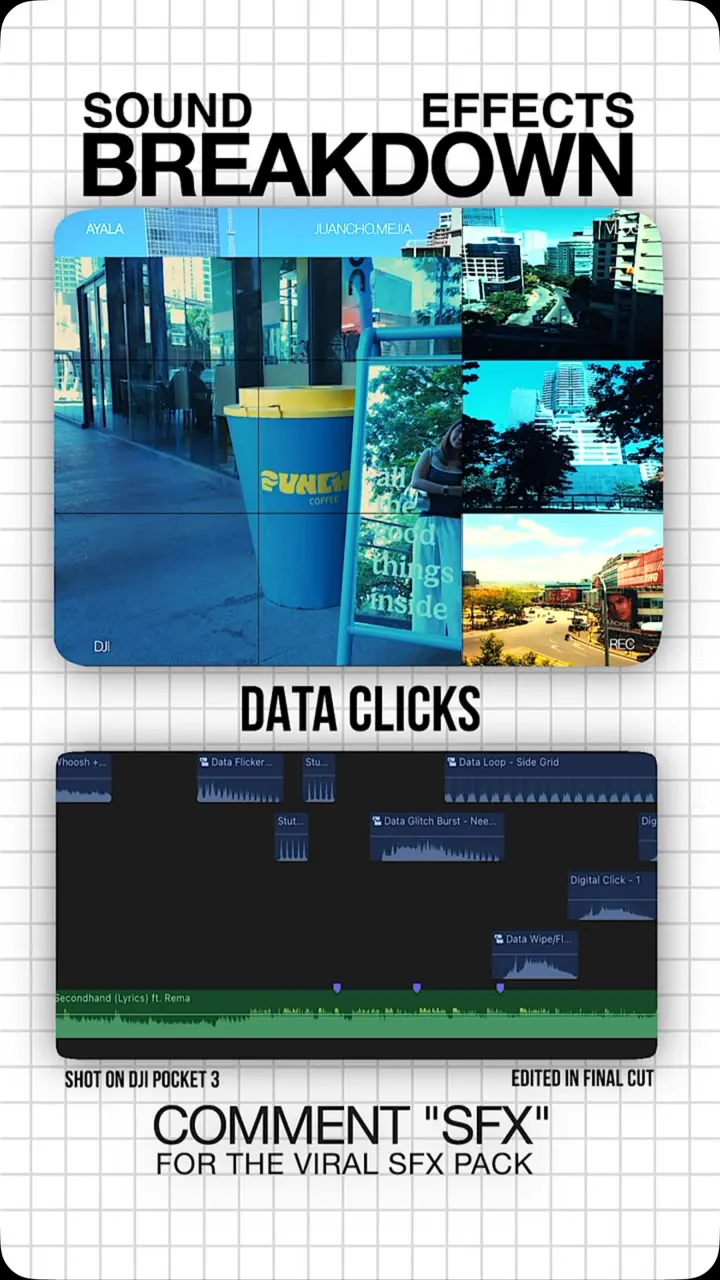
What they said
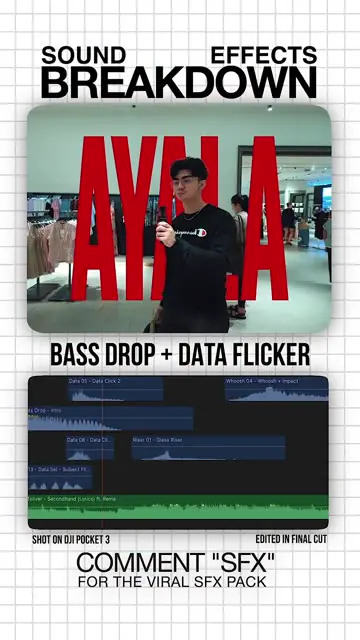
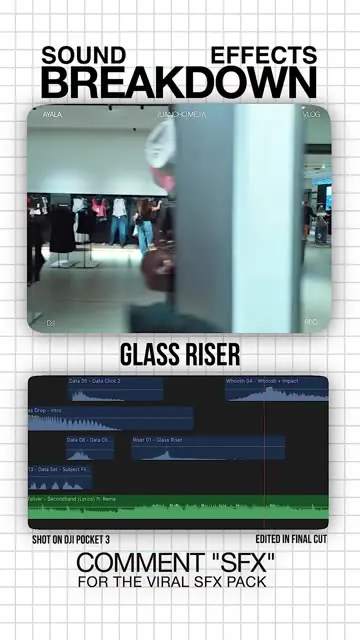
- Top: DJI Pocket 3 shots; label under each clip names the SFX: "Bass drop + data flicker", "Glass riser", "Data UI", "Data clicks" (x2).
- Under each clip, an NLE timeline (Final Cut Pro; footer says "Shot on DJI Pocket 3 - Edited in Final Cut") showing SFX tracks like "Data Click", "Whoosh", "Glass Riser" stacked over the music track.
- Caption: all SFX are in his Viral SFX Pack (link in bio); colour graded with LUTs from @the.lookslab, code 1CHO for 10% off.
Try this
- Creators: Layer sound effects, such as risers, clicks and whooshes on cuts, to make product and travel videos feel more polished. Plan one effect per shot.
- Creators and editors: Post a shot-by-shot breakdown that labels the effect used on each cut. It is a cheap way to prove your editing craft.
- Editors and agencies: Sell the effects pack or a done-for-you edit with a comment keyword.
- Starting out: Pick three effects you use on every video and keep them in one folder, so edits go faster.
Links
Final Cut Pro, DJI Pocket 3, Viral SFX Pack (his product, link in bio), @the.lookslab LUTs (code 1CHO = 10% off), hashtags edit/sfx/cinematic.
Watch the original
Watch the full reel on Instagram by @1cho.mejia. Follow them for more.
Video, voice and ideas belong to @1cho.mejia. Shown here as a short preview with our own summary, for commentary and education. Want it removed? Tell us.
00:00
/
00:00
More Video production and editing
Liked this one? Get the next
When I find a reel worth acting on, you get the short version: what it says and what to do. Free, rare, one click to leave.
Rather have it done for you? Work with Tanish