Meta ads
@apurv_sngh
Meta's new AI agent "Muse" puts AI on both sides of advertising (creating ads and helping shoppers discover, compare and pay inside Meta apps), so brands must get product feeds, titles, descriptions, reviews, images and videos clean so an agent can read and recommend them.
12k plays · 28 Sep 2026
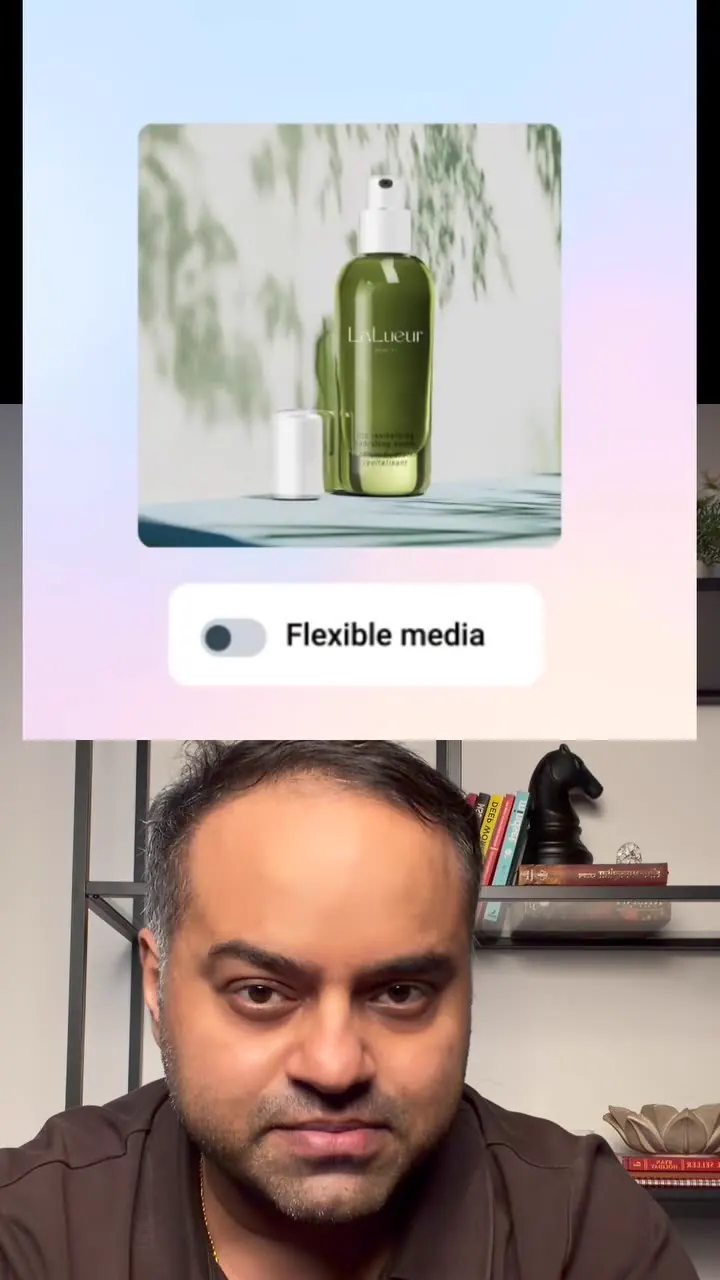
What they said
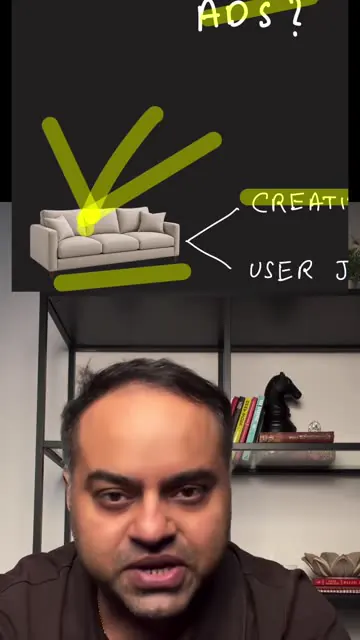
- AI is not new to Meta, which already uses it in the creative ecosystem. Example: selling a sofa, Meta can make renditions and adaptations of the product image (shown with Advantage+ creative demos: "All optimizations" toggle, "Flexible media" toggle, "Translate text", "Generate text" producing ad copy variants).
- With Muse, Meta uses AI "implicitly and explicitly":
- Advertiser side: more creatives, adaptations, hooks, angles and stories more easily.
- User side ("it doesn't end there"): a shopper says "3-seater sofa, beige colour, $1000 budget, living room" and Muse searches products, compares them and gives the right options.
- Meta is also integrating payments, so people can pay while staying in Meta's family of apps (screens show "Muse wants to place an order", "Pay with Link", credit card, estimated total $47.80, Deny/Allow, "Done!").
- Slide sequence in the Muse launch visuals: "AI that books meetings for you", "AI that books trips for you", "AI that saves money for you", connected apps (Instagram, Messenger, Facebook, Threads, Shopify and others icons), "AI in one place", "It's your Muse", "AI that keeps you in the loop".
- Implication for brands: it is not only about a clean, fast website; it is about clear product information, a clear product feed, videos, clear images, and talking about the pain points the product solves so an AI agent can pull and serve it faster.
- Caption adds: the traditional journey Ad, Click, Website, Retargeting, Purchase may be replaced by "ask an agent". Product titles, descriptions, catalogue feeds, pricing, reviews, stock, images and differentiation become more important. Measurement may change: the ad can create demand even if the purchase does not follow click and retargeting.
- Offers a one-page "Muse x Meta Ads" brand-readiness checklist (two columns on screen: "Creative readiness" and "Product data readiness", with tickbox items; the text is too small to read).

Try this
- Online sellers: Treat product data as marketing. Give every product a clear title, a complete description, accurate price and stock, reviews, sharp images and a short video.
- Meta advertisers: Complete the whole catalogue, with brand, identifiers and all fields filled. Keep the feed in sync with your store and check it in Google Merchant Center too.
- Brands: Write descriptions around the problem the product solves and who it is for, in the words a shopper would type or say to an assistant.
- Agencies and freelancers: Package an "AI-agent readiness" audit with two columns, creative readiness and product data readiness. It works well as a lead magnet.
- Creators: Reacting to news with a "what this means for brands" angle and a comment-keyword CTA works. In this reel 68 of the retrieved comments were just the keyword.
- Verify first: The creator mixes launched features with predictions and does not say where it is available. Check Meta's own announcement before changing anything.
Links
- Meta Muse (Meta's AI assistant/agent, as described), Advantage+ Creative (flexible media, generate text, translate text), Meta catalogue/product feed.
- Hashtags: #MetaAds #MetaMuse #PerformanceMarketing #AIMarketing #digitalmarketing.
- The checklist is delivered by DM after commenting "MUSE" (not accessible here).
Watch the original
Watch the full reel on Instagram by @apurv_sngh. Follow them for more.
Video, voice and ideas belong to @apurv_sngh. Shown here as a short preview with our own summary, for commentary and education. Want it removed? Tell us.
00:00
/
00:00




Liked this one? Get the next
When I find a reel worth acting on, you get the short version: what it says and what to do. Free, rare, one click to leave.
Rather have it done for you? Work with Tanish