@millee.md
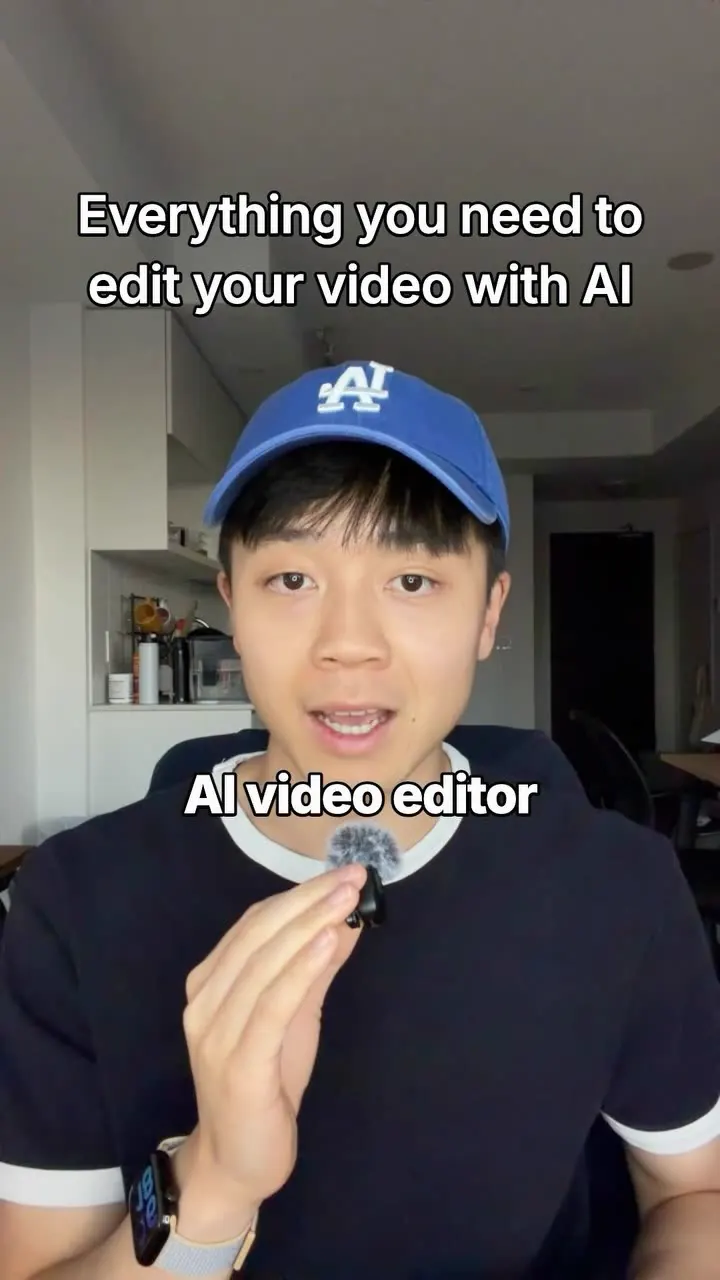
A 4-step recipe to build a free AI video editor with the Claude Code desktop app: project folder, tools install prompt, a style-study prompt that makes a brand sheet, then a raw-footage edit prompt that outputs a storyboard for review.
1.3M plays · 25 Oct 2026
What they said
- Set up: need Claude Code, use the desktop app not the browser. Create a folder "AI Video Editor" with three subfolders: raw footage, references, exports. New Claude Code chat -> choose Local -> select that folder so Claude can read the files.
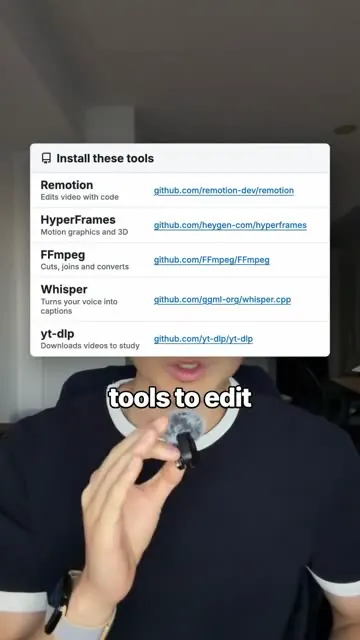
- Install tools: give Claude the links and the install prompt. Tools on screen: Remotion (github.com/remotion-dev/remotion, edit video with code), HyperFrames (github.com/heygen-com/hyperframes, motion graphics and 3D), FFmpeg (github.com/FFmpeg/FFmpeg, cuts, joins, converts), Whisper (github.com/ggml-org/whisper.cpp, voice into captions), yt-dlp (github.com/yt-dlp/yt-dlp, downloads videos to study). Prompt: "I want you to be my video editor. Install these tools on my computer ... Test each one, then tell me when you're ready."
- Find your style: send 3-5 video links (of a creator to mimic, or your own). Prompt: learn the editing style from these videos (paste Instagram links 1-3): download each into references folder; study fonts, colours, captions; cuts, zooms and pacing; motion graphics, music and sound; make a brand sheet I can review (own, not copy); once approved follow it each edit. Output: a brand sheet (palette, one font, colour for emphasis, e.g. "How to make your storytelling addictive").
- Film and edit: drop raw footage in raw folder; prompt: "Edit my new video into an Instagram Reel: [FILE NAME] in my raw footage folder. 1) Cut every pause longer than 0.1 seconds. 2) Follow my brand sheet. 3) Add captions, music and motion graphics. 4) Use anything in my references folder. Show me a storyboard to review first, then export it to my exports folder." Claude cuts, captions, adds music, builds a storyboard; tell it to fix things like a real editor (example: "Make the hook bigger", reply "hook is 104px now").
- Upsell: his personal editing style combining Claude's animation skills with real web images for educational videos, comment "motion".
Try this
- Creators and small teams: Create a project folder with three subfolders: raw footage, references and exports. Open it in an AI coding assistant so it can read your files.
- Creators and small teams: Ask the assistant to install a free toolset: Remotion for editing in code, FFmpeg for cuts and conversions, Whisper for captions, and yt-dlp to download reference videos. Have it test each tool and report back.
- Creators and small teams: Give it 3 to 5 videos to study. Ask for a brand sheet covering fonts, colours, captions, cuts, zooms, pacing and music. Review it, approve it, and have the assistant follow it on every edit.
- Creators and small teams: For each edit, ask for a storyboard first. Review it, then export. Give notes the way you would to a human editor, such as "make the hook bigger".
- Everyone: Do not call it free. The assistant's usage costs money, and cutting every pause over 0.1 seconds can sound robotic. Check beats and pacing by hand.
- Creators: Credit the people whose guides you build on. The reel drew a plagiarism complaint.
Links
Claude Code desktop app (model shown Opus 5.5), Remotion, HyperFrames, FFmpeg, Whisper (whisper.cpp), yt-dlp, creator link in pinned comment: https://milleemd.com/guides/claude-x-remotion/ . Credit to @samdespomarketing (original guide). Commenter asks about JsonCut and Antigravity.
Watch the original
Watch the full reel on Instagram by @millee.md. Follow them for more.
Video, voice and ideas belong to @millee.md. Shown here as a short preview with our own summary, for commentary and education. Want it removed? Tell us.
00:00
/
00:00

More AI tools and automation

Liked this one? Get the next
When I find a reel worth acting on, you get the short version: what it says and what to do. Free, rare, one click to leave.
Rather have it done for you? Work with Tanish